Introduction
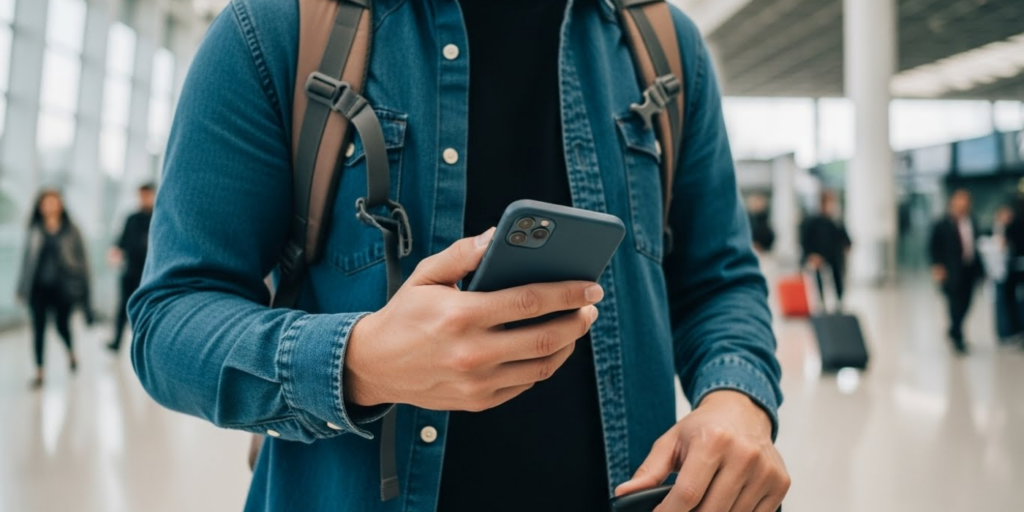
Picture this: You’re snapping sunset photos on a beach in Bali, scrolling through a map in a bustling Bangkok market, or video-calling home from a cozy café in Lisbon—when suddenly, your phone is gone. Lost. Stolen. Or worse, compromised with all your personal data exposed. It’s every traveler’s nightmare, and sadly, more common than you might think. In fact, travelers are 3x more likely to lose or have their phones stolen than at home, according to cybersecurity reports.
Your smartphone isn’t just a device—it’s your camera, wallet, translator, boarding pass, and lifeline rolled into one. That’s why protecting it while traveling isn’t just smart; it’s essential.
In this guide, we’ll walk you through practical, easy-to-follow steps to keep your phone safe—physically and digitally—no matter where your adventures take you. From simple tech tweaks to street-smart habits, you’ll learn how to prevent theft, safeguard your data, and recover your device if the worst happens. Whether you’re backpacking through Southeast Asia or jet-setting across Europe, these tips will give you peace of mind so you can focus on what really matters: enjoying your trip.
Let’s make sure your phone stays as safe as your passport.
1. Lock It Down: Use Strong Authentication
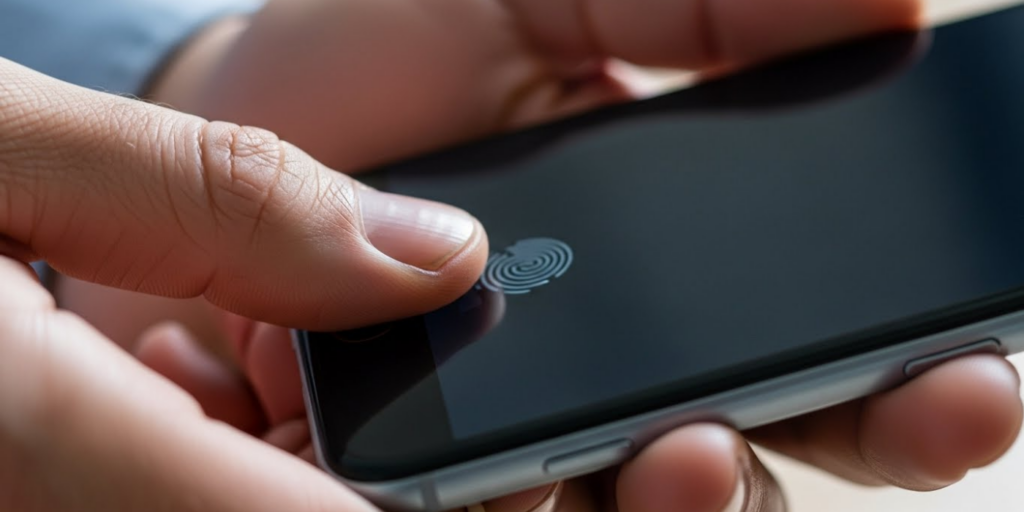
Before you even leave home, make sure your phone is protected by more than just a swipe or a weak PIN. A stolen phone with no lock is like handing a stranger your diary, bank account, and photo album—all in one go.
Start with biometric security: Face ID or fingerprint recognition is convenient, fast, and far more secure than a four-digit code. But don’t stop there. Always pair it with a strong passcode (at least 6 digits, or better yet, a custom alphanumeric password). This ensures that if someone tries to bypass biometrics (which is possible in rare cases), they still can’t get in.
On iPhones, go to Settings > Face ID & Passcode. On Androids, it’s usually under Settings > Security > Screen Lock. While you’re there, disable lock-screen notifications or hide message previews—this prevents prying eyes from seeing sensitive info like OTPs or emails.
Also, enable auto-lock after 30 seconds of inactivity. It’s a small setting, but it dramatically reduces your window of vulnerability if you accidentally leave your phone unattended.
Why this matters: In 2023, over 60% of stolen phones were accessed because they lacked proper locks, according to Norton Security. Don’t let yours be one of them.
2. Enable “Find My Device” and Back Up Everything
What if your phone does go missing? Don’t panic—you can still track, lock, or wipe it remotely—but only if you’ve set it up in advance.
On iPhones, Find My iPhone is your lifeline. On Androids, it’s Find My Device (via Google). Both services let you:
- See your phone’s location on a map
- Play a loud sound (even if it’s on silent)
- Lock it with a message like “Reward if found!”
- Erase all data remotely
Make sure these features are turned on and linked to your Apple or Google account before you travel. Test them at home so you know how they work under pressure.
Equally important: back up your data regularly. If your phone is lost forever, you’ll still have your photos, contacts, and notes. Enable iCloud (iOS) or Google Drive backup (Android), and confirm it’s syncing over Wi-Fi.
Pro tip: Take a screenshot of your phone’s IMEI number (dial *#06#) and store it separately. This unique identifier helps authorities blacklist a stolen device—even if the thief swaps the SIM card.
Think of this as your digital insurance policy. You hope you never need it… but you’ll be grateful it’s there.
3. Stay Smart in Public: Avoid Theft and Shoulder Surfing
Even the best digital security won’t help if your phone gets snatched from your hand. Pickpocketing hotspots like crowded markets, subway stations, and tourist attractions are prime targets—and phones are the #1 stolen item, per Interpol.
So how do you stay safe?
- Keep your phone in a front pocket, not a back pocket or open bag.
- Use a crossbody bag with a zippered phone pocket (or better yet, an anti-theft bag with slash-proof straps and RFID blocking).
- Avoid using your phone while walking in busy areas. If you need directions, step into a café or doorway to check your map.
- Never leave your phone unattended—even for a second—on a restaurant table or beach towel.
Also, beware of digital snooping (“shoulder surfing”). When entering passwords or banking apps, shield your screen with your hand. In high-risk areas, consider using a privacy screen protector that darkens the display from side angles.
Real-world example: A traveler in Barcelona had her phone stolen while taking a selfie—with the thief grabbing it mid-photo. Stay alert, and assume you’re being watched in crowded places.
By making your phone less visible and accessible, you remove the temptation—and the opportunity—for thieves.
4. Use Secure Connections and Avoid Public Wi-Fi Traps
That free “Airport_WiFi” or “Café_Free_Internet” might seem convenient—but it could be a honey pot set up by hackers to steal your data.
Public Wi-Fi networks are often unencrypted, meaning anyone on the same network can intercept your emails, messages, or login credentials. Even legitimate networks can be compromised.
Never access banking apps, enter passwords, or shop online over public Wi-Fi unless you’re using a Virtual Private Network (VPN). A trusted VPN (like NordVPN, ExpressVPN, or ProtonVPN) encrypts all your internet traffic, making it unreadable to snoopers.
If you don’t have a VPN:
- Use your phone’s mobile hotspot (more secure than public Wi-Fi).
- Stick to apps that use HTTPS (look for the padlock icon in browsers).
- Turn off Wi-Fi auto-connect in your settings so your phone doesn’t join sketchy networks automatically.
Also, disable Bluetooth and Location Services when not in use. Both can be exploited to track your movements or gain unauthorized access.
Bonus tip: Download offline maps (Google Maps or Maps.me) and translation apps (like Google Translate) before you go. That way, you’ll rely less on public internet—and stay safer.
Remember: convenience should never cost you your privacy.
5. Minimize What’s on Your Phone—and Use Travel Mode
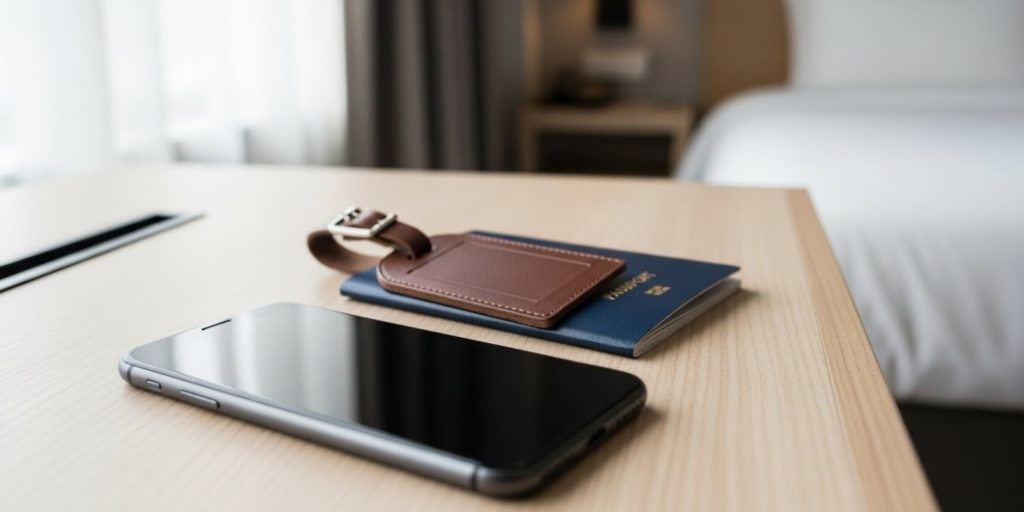
Here’s a mindset shift: Your phone doesn’t need to carry your entire digital life—especially when you’re traveling.
Before your trip:
- Remove unused apps, especially those with saved logins (like shopping or social media).
- Log out of sensitive accounts you won’t use (e.g., investment apps).
- Use two-factor authentication (2FA) everywhere—but avoid SMS-based 2FA if possible (SIM-swapping is a real risk abroad). Use an authenticator app like Authy or Google Authenticator instead.
Many banks and services now offer “travel mode” or allow you to set travel notifications. This helps prevent fraud alerts from freezing your accounts when you log in from a new country.
Also, consider getting a burner phone or secondary device for high-risk trips. A cheap prepaid phone lets you stay connected without risking your main device. Or, use an old smartphone with minimal data—just enough for maps and calls.
And never store passwords in notes or text files. Use a password manager like 1Password or Bitwarden, which encrypts your logins and auto-fills them securely.
By traveling light digitally, you reduce your exposure—and your stress—if something goes wrong.
Bonus Checklist: Your Pre-Departure Phone Safety Routine
Run through this quick list before every trip:
✅ Enable Find My iPhone / Find My Device
✅ Set a strong passcode + biometric lock
✅ Back up all data to the cloud
✅ Install a trusted VPN and test it
✅ Save emergency contacts (local embassy, hotel, family)
✅ Note your phone’s IMEI number
✅ Turn off auto-connect for Wi-Fi and Bluetooth
✅ Enable 2FA on critical accounts
✅ Download offline maps and essential apps
Spend 20 minutes doing this once—and you’ll protect yourself for the whole journey.
Conclusion
Your phone is more than a gadget—it’s your window to the world while you travel. But with great convenience comes great responsibility. By taking a few proactive steps before and during your trip, you can dramatically reduce the risk of theft, data loss, or digital compromise—without sacrificing the joy of staying connected.
From locking your screen to thinking twice about public Wi-Fi, these habits add up to a smarter, safer travel experience. And if the unthinkable happens? You’ll be prepared to respond quickly and minimize the damage.
So before you zip up your suitcase, take a moment to secure your digital lifeline. Your future self—relaxing worry-free on a beach or exploring a new city—will thank you.
What’s your #1 phone safety tip when traveling? Have you ever lost a device abroad—and how did you handle it? Share your story or advice in the comments below! And if you found this guide helpful, don’t forget to share it with fellow travelers. Because a safe trip starts with a secure phone. 📱🔒✈️

James Anderson is a passionate enthusiast of travel, fine dining, financial freedom, and personal performance. Always seeking new experiences and challenges, he believes in living life fully while continuously improving himself. For James, exploring new destinations, savoring unique culinary experiences, and striving for independence are not just hobbies—they are a lifestyle built on curiosity, growth, and the pursuit of excellence.